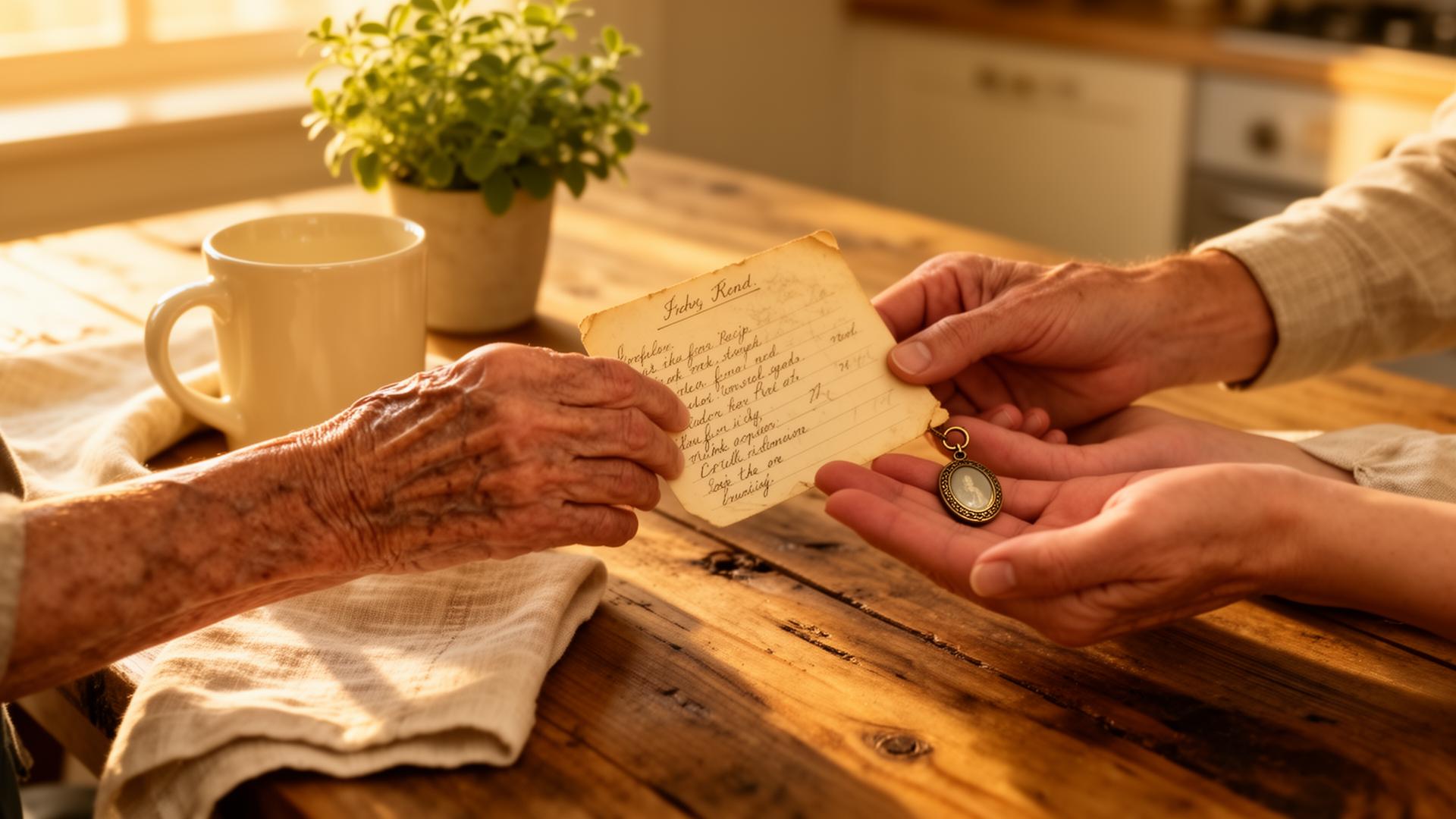
Every item has somewhere to go.
Preserve it, pass it down, or prepare it for its next home.
Take a photo. We'll help identify the item and decide what comes next — keep it, pass it down, sell it, donate it, or find it a new home.
No account needed to start. Your items are saved on this device.
Selling things for yourself or a family member?
Try Marketplace Helper — Free
You take the photos. Your helper handles the selling — posting on Facebook Marketplace using their own account, responding to buyers, arranging pickup, and collecting payment.
You don't need to use Facebook Marketplace yourself.
- 1.Take photos
- 2.Check price & description
- 3.Send to your helper
- 4.They handle Facebook
- 5.✓ Sold & Paid
Real-life ways families use Treasures of Yesteryear
A simple way to preserve memories, organize meaningful belongings, and prepare treasured items for family, sharing, or sale.

Family Heirlooms
Preserve the stories behind treasured family items.

Recipes & Memories
Capture handwritten recipes, notes, and the memories connected to them.

Facebook Marketplace & Garage Sales
Organize items, generate listings, and prepare belongings for their next home.

Helping Aging Parents
Adult children can help parents organize meaningful belongings together.

Insurance & Home Inventory
Document valuables, collectibles, and household items with photos and notes.

Estate & Downsizing Support
Reduce confusion and help families thoughtfully organize belongings.
How it works
Step 1
Take or upload a photo
Snap a new photo, or upload pictures and videos you already have — no setup needed.
Step 2
AI identifies the item and drafts the listing
Happens right after your photo — title, description, and a price range.
Step 3
Add notes or speak (optional)
Refine the draft by typing details or holding the mic to talk.
Step 4
Review, save, share or sell
Edit anything, then keep it in the family, share with others, or prepare it for sale.
Simple pricing
Perfect for exploring, testing, and getting started.
Free
$0Perfect for exploring, testing, and preserving your first memories.
- Guest/local use
- Multiple photos per item
- AI-assisted organization and descriptions
- Basic collections
- Basic memory slideshows
- Marketplace preparation tools
- Recipe & memory preservation
Family & Archive Users
Professional plans starting around $6/month CADOptional features for families, collectors, memory keepers, and anyone building a private archive.
Pricing varies based on storage, collaboration features, AI usage, integrations, and future capabilities.
- Cloud backup
- Designed for growing collections
- Sharing with family or collaborators
- Comments & memories
- Multi-device sync
- Archive & recovery protection
- Expanded collections
- Future memory export features
Loading…